
Downloading Labels
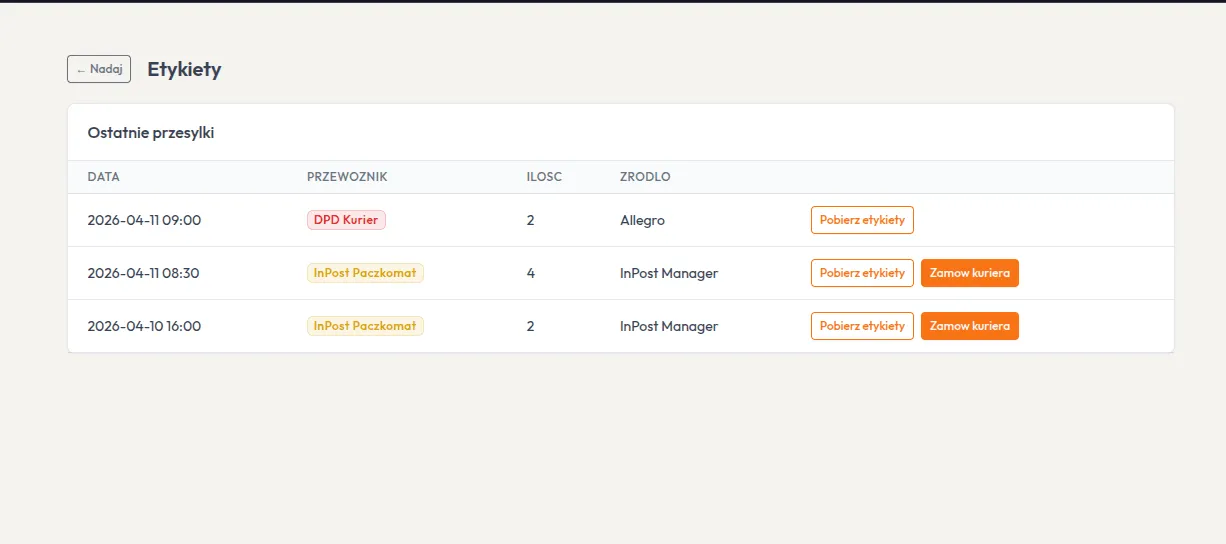
Labels are downloaded automatically after creating a shipment. You can also re-download them from the order view.
Automatic Download
Section titled “Automatic Download”After clicking Create Shipment:
- System creates shipment via API
- Downloads label PDF
- Applies SKU overlay (if configured)
- Opens PDF for printing
Manual Download
Section titled “Manual Download”In order details, each shipment has a Download Label button. It fetches the current PDF from API and applies overlay.