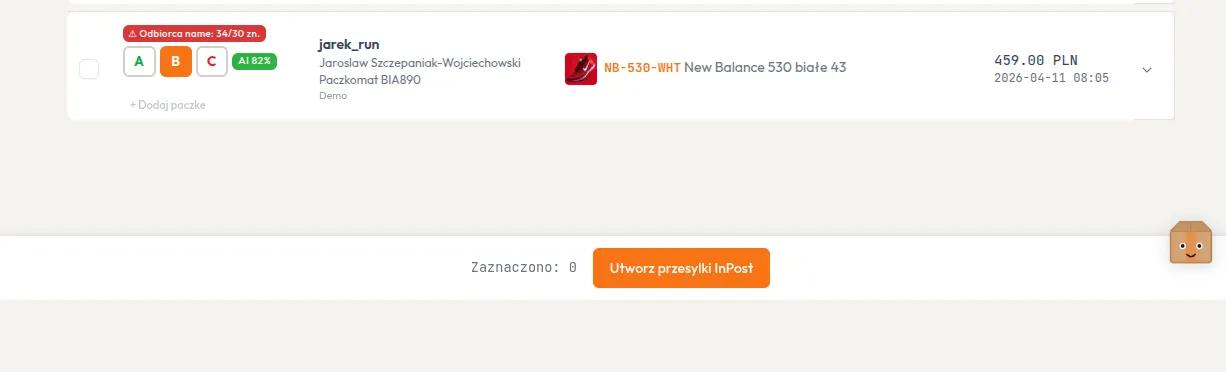
Creating Shipments
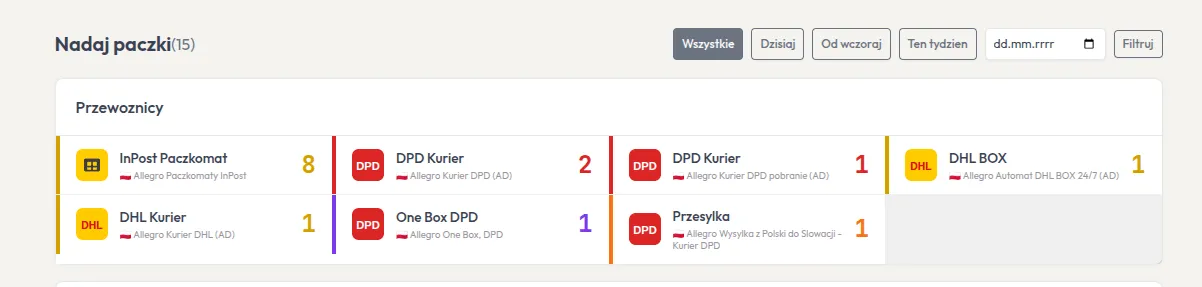
A shipment is created from the order details view. The system automatically selects the carrier based on the delivery method chosen by the buyer.
Process
Section titled “Process”- Open order details
- Fill in parcel dimensions and weight
- Click Create Shipment
- The system:
- Creates the shipment via the appropriate API (Allegro or InPost)
- Downloads the label
- Applies SKU overlay on PDF
- Saves shipment data to database