
Allegro Account (OAuth2)
ShipPilot connects to Allegro via OAuth2 Authorization Code Flow.
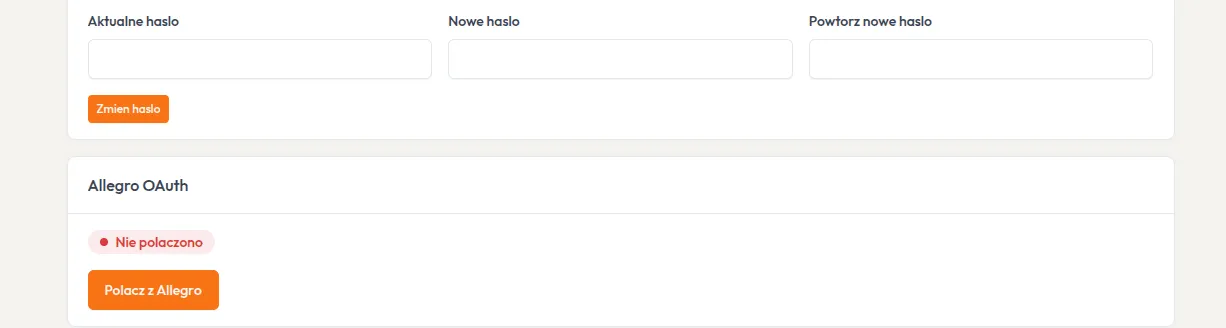
How to connect?
Section titled “How to connect?”- Go to Settings
- Click Connect with Allegro
- Log in to Allegro and accept permissions
- System will save tokens (access + refresh)
Tokens
Section titled “Tokens”- Access token — valid ~12h, refreshed automatically
- Refresh token — valid ~3 months
- Tokens stored in
Accountentity
Multi-account
Section titled “Multi-account”Each account in ShipPilot can have its own Allegro connection. This allows managing multiple stores from one panel.